Pro codes are most useful when you compare them as settings, not just strings to paste. The preview shows the visual result, while the common parameter range tells you whether a player is using a normal, compact, or unusually open shape.
Use this page when you already know you want a professional baseline but have not decided whether to prioritize visibility, precision, or minimum screen coverage.
Copy-ready pro crosshairs








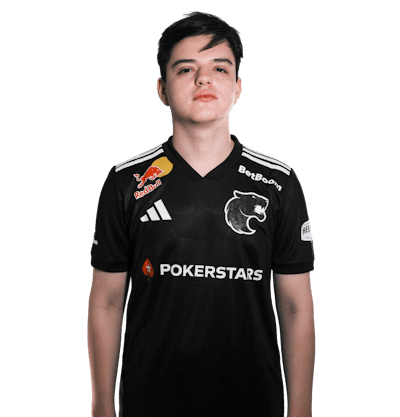



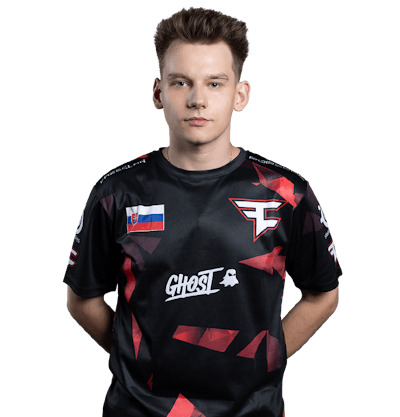

Selection notes
Use pro codes as reference, not authority
A professional CS2 crosshair code is valuable because it came from a real match context. It still needs to be tested against your resolution, role, and visibility needs.
- donk-style rifler codes are good compact baselines.
- ZywOo and m0NESY pages are useful AWPer references.
- NiKo-style codes are strong for clean rifle fights.
Check freshness before copying
Pro players change settings. Prefer pages with current records, then use demo extraction when you need to verify a code from a specific match.
Compare parameters after copying
Two previews can look similar while their gap, size, and thickness feel different in-game. Use the parameter ranges on this page to understand why one code feels sharper or heavier.
Workflow
1. Search the player first
Open the pro library and search by player name, team, or country.
2. Copy the newest code
Prefer the current record, then keep a note of the timestamp before testing.
3. Verify with a demo if needed
When a match-specific setup matters, extract the code from the demo file.